
Do More With Clevero For
Personal Trainer Client Management Software
Run your fitness business with a platform that handles the admin — so you can focus on your clients.
The perfect management system for personal trainers, gyms, health clubs, yoga and Pilates studios, CrossFit boxes, dance schools, and MMA gyms.

What Is Personal Trainer Personal Trainer Client Management Software?
Personal trainer client management software is a platform that helps fitness professionals manage the day-to-day operations of their business in one place. It brings together client information, scheduling, payments, and communication so you can spend less time on admin and more time with clients.
Instead of juggling spreadsheets, paper forms, separate booking tools, and messages to confirm sessions, everything is centralised. You can manage client records, schedule appointments, send reminders, track progress, handle payments, and keep important client details organised without switching between systems.
For personal trainers and fitness businesses, this also needs to support how training actually works today. That includes managing both in-person and remote sessions, automating routine tasks like reminders and invoice follow-ups, and giving you a clear view of each client at any time.
Clevero brings these functions into one platform. It combines CRM, scheduling, workflow automation, and billing in a single system, and can be configured to suit how your business operates. Whether you’re an independent personal trainer, running a small studio, or managing a growing fitness business, it helps you stay organised, reduce admin, and keep client work moving consistently.
Clevero is the only all-in-one platform you will ever need
The perfect management system for Gyms, Health Clubs, Yoga, Pilates, Crossfit, Dance School, Pole Dance, MMA and Personal Trainers.

What Are The Key Benefits?
Everything You Need to Run Your Fitness Business in One Platform
We make it easy for you to book client appointments, send out training SMS and email notifications, but most of all – to connect real-time and conduct live video personal training sessions.
Calendar & Scheduling
Client Booking Directly from Your Website
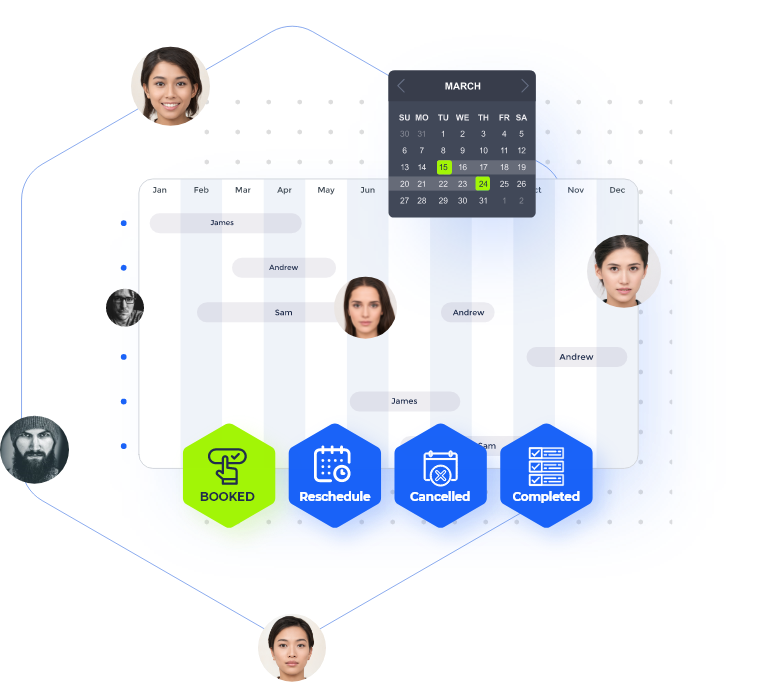
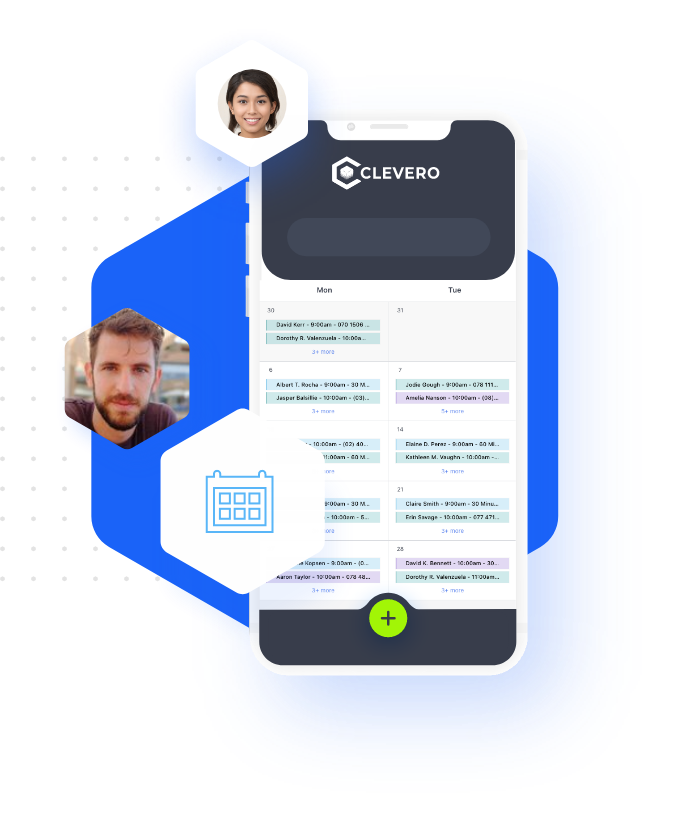
Make it easy for clients to book with you without back-and-forth messages. Clevero lets you embed a booking widget directly on your website so clients can schedule sessions, classes, or consultations at any time.
- Online booking available 24/7 from your website
- Real-time availability so clients only see the time slots you’ve opened
- Automatic booking confirmations sent to both you and your client
- Calendar sync with Google and Microsoft so everything stays in one place
- Manage one-on-one sessions, group classes, and recurring bookings from a single dashboard
Avoid double bookings and reduce manual scheduling. Your calendar stays accurate without constant updates.
Email Communication
Automated Reminders That Reduce No-Shows
No-shows cost you time and money. Clevero automatically sends SMS and email reminders to clients before their appointments so they know when they are scheduled and you do not need to follow up manually.
- Automated session reminders via SMS and email
Customisable reminder timing such as 24 hours or 2 hours before the session - Follow-up messages after sessions to check in or confirm the next booking
- Bulk messages for class schedule changes, promotions, or announcements
- Personalised message templates that include each client’s name and session details
Stop sending reminders manually. Clevero handles it for you.

Client & Health Record Management
Client and Health Record Management — Paperless Intakes
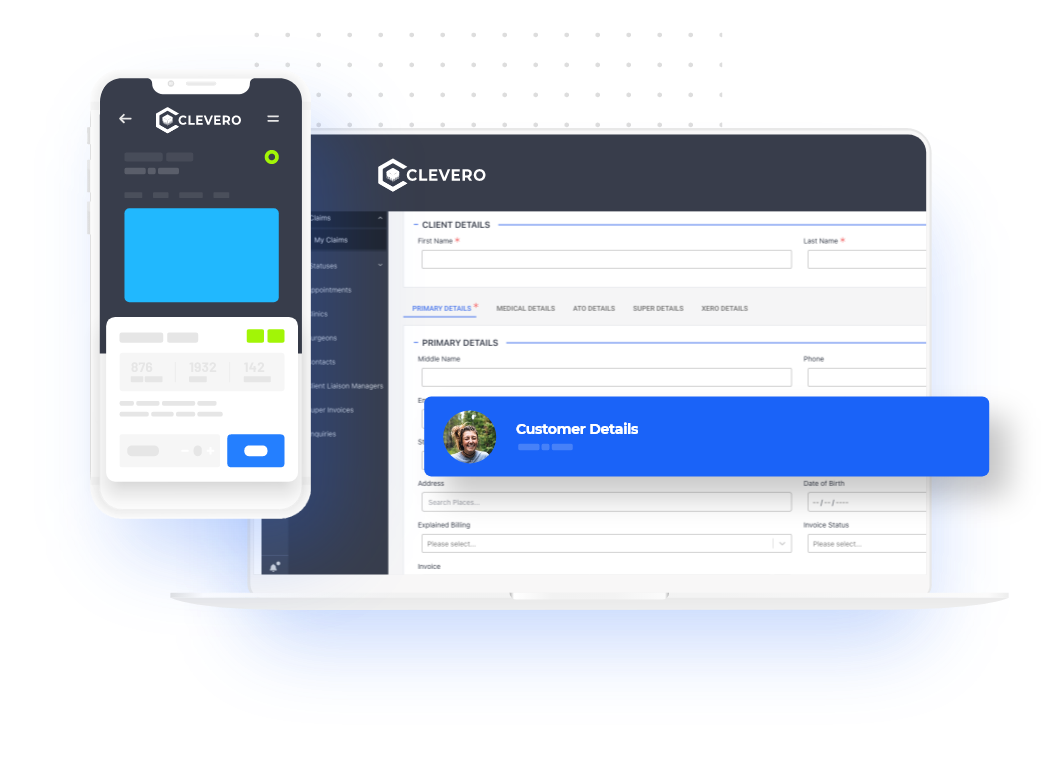
Keep each client’s information organised, accessible, and secure from the first enquiry through ongoing training. Clevero provides a complete client record that includes contact details, health information, training notes, goals, documents, and session history in one place.
- Digital intake forms completed online before the first session with no paper required
- Customisable health questionnaires and PAR-Q forms built into the onboarding process
- Client records with notes, assessments, and progress updates linked to each profile
- Secure document storage for signed waivers, contracts, and program plans
- Search and filter your client list to find information quickly
Whether you manage 10 clients or 200, you can access the information you need without switching systems.
Work Remotely
Virtual Training and Built-In Video Conferencing
Most personal trainer software focuses on in-person scheduling. Clevero goes further, with built-in video conferencing that lets you train clients wherever they are without needing a separate tool like Zoom or Microsoft Teams.
Run live one-on-one sessions, online group fitness classes, or remote coaching check-ins directly from the same platform you use to manage your business.
What you can do:
- Built-in video conferencing with no third-party apps required
Screen sharing for programs, exercise demos, and nutrition plans - Group video sessions for classes, team training, or coaching
- Automatic session scheduling with video links sent to clients
- Optional session recording for client review, with consent
This is a practical advantage. Most fitness software treats online training as an add-on. Clevero includes it as part of your core workflow, so you can manage both in-person and remote clients in one place.
Why this matters for your business: Hybrid and remote training are now standard. Clients expect flexibility.
With built-in video conferencing, you can:
- Offer online sessions without extra subscriptions
- Avoid switching between platforms during your day
- Keep scheduling, communication, and delivery in one system
This reduces admin time and helps you deliver a more consistent client experience.

Payment Management
Payments, Packages, and Billing — Without the Headaches
Stop chasing invoices or manually tracking who has paid. Clevero automates your billing so you can focus on your clients instead of admin.
From one-off sessions to recurring memberships, everything is managed in one place.
Accept payments online via Stripe, PayPal, or Pin Payments
Charge at booking or send invoices to clients
Set up recurring billing for weekly, fortnightly, or monthly plans
Create session packs and prepaid bundles with automatic tracking
Send automatic reminders for unpaid invoices
Real-time visibility over revenue, outstanding amounts, and payment history
Whether you charge per session, by package, or on a membership model, Clevero accommodates your pricing structure — and makes sure you actually get paid on time.
Built-In Video Conferencing for Personal Trainers — Train Anyone, Anywhere
Remote and hybrid training are here to stay. Since 2020, the number of Australians training online has grown, and clients now expect the option to work with their trainer from home, while travelling, or when they cannot make it to the gym.
Most personal trainer software platforms handle scheduling and payments but leave video to separate tools. You are expected to use platforms like Zoom, Google Meet, or FaceTime and manage that separately from your bookings and client records.
Clevero integrates video conferencing directly into the platform. When a client books a virtual session, the video link is automatically included in their confirmation and reminder. There is no separate setup, no manual link sharing, and no switching between apps during sessions.

What's included in Clevero's video conferencing:
- One-on-one virtual PT sessions: Connect directly with a client for a live, private session with high-quality video and audio
- Group online fitness classes: Host participants in a group session for bootcamp, HIIT, yoga, Pilates, or stretch classes
- Screen sharing: Walk clients through exercise programs, nutrition guides, or training plans in real time
- Session recordings: Record sessions so clients can revisit coaching, technique cues, or workouts, with consent
- Integrated scheduling: Virtual sessions appear alongside in-person bookings in the same calendar
- Automatic session links: Video links are sent to clients via email or SMS when a booking is confirmed
The business case for virtual training:
- Expand your client base beyond your local area and train clients across Australia or globally
- Fill cancelled in-person sessions with virtual alternatives instead of losing revenue
- Offer online-only training packages as a lower-cost entry point
- Reduce reliance on a single studio or gym location
- Build a more resilient business that is not dependent on clients attending in person
Built for Every Type of Fitness Business Fitness Business
Clevero is used by fitness professionals across a wide range of specialisations. Because it is a configurable platform rather than a rigid, one-size-fits-all product, it can be adapted to match how your business operates.
Personal Trainers
Whether you work from a private studio, on a gym floor, outdoors, or fully online, Clevero keeps your client records, bookings, reminders, payments, and virtual sessions in one place. Spend less time on admin and more time coaching.
Gyms and Health Clubs
Manage member records, class schedules, staff rosters, and billing across one or multiple locations. Automate member communications and renewals so your team can focus on member experience instead of paperwork.
Yoga and Pilates Studios
Handle class bookings, waitlists, term enrolments, casual passes, and client health records in one system. Digital intake forms and paperless health questionnaires make onboarding simpler and faster.
CrossFit Boxes
Manage member databases, class schedules, benchmark tracking, and payments. Keep communication consistent across your community with automated messages and updates.
Dance Schools
Coordinate term enrolments, class timetables, payment plans, recital scheduling, and student records. Automated reminders and parent communications reduce manual follow-ups.
MMA Gyms and Martial Arts Studios
Track student progress, grading records, class attendance, and membership billing. Manage multiple class types and instructors from one platform.
Online Coaches and Remote Trainers
For fully online businesses, Clevero brings everything together in one system. Manage client records, deliver programs, schedule virtual sessions, collect payments, and run video calls without relying on multiple tools.

What Our Customers Say...
We know that this software will revolutionise how you run your small business because we’ve already had such great feedback from our clients.
See what they have to say for yourself!
Much easier to use and more reliable than other apps.
I love the layout of Clevero Calendar the most. It’s easy to understand and it really keeps me organized and helped me get through my daily schedule.“

Personal Trainer Client Management Software — Frequently Asked Questions
The most effective solution brings your scheduling, client records, reminders, payments, and progress tracking into one platform. This avoids the need to manage multiple apps for different parts of your business.
Clevero combines all of these in one configurable system, with built-in video conferencing for remote training. This makes it suitable whether you train clients in person, online, or both.
Look for features that reduce admin and keep your client information organised:
- Online booking for clients
- Automated SMS and email reminders
- Digital intake forms and health record storage
- Payment processing and package management
- Progress tracking
If you offer virtual sessions, built-in video conferencing is also worth considering so you are not relying on separate tools.
Clevero includes all of these and can be configured to match how your business charges and delivers services.
Yes. Clevero supports both in-person and virtual sessions in the same system. All bookings appear in one calendar. When a client books an online session, the video link is automatically sent with their confirmation and reminders. No manual setup is required.
Clevero is used by personal trainers, gyms, health clubs, yoga and Pilates studios, CrossFit boxes, dance schools, MMA gyms, and online coaches. Because it is configurable, it can be adapted to different business setups, from solo trainers to multi-location fitness businesses.
Clevero sends automated SMS and email reminders before each appointment. You can control the timing, such as 24 hours before and again a few hours before the session, and customise the message. This helps reduce missed bookings without adding manual follow-up.
Yes. Clevero includes digital intake forms and customisable health questionnaires, including PAR-Q forms. Clients can complete these online before their first session. Their responses are stored with their profile alongside notes, goals, documents, and session history.
Yes. Clevero is designed to be flexible. You can set up custom forms, pricing structures, class types, and communication workflows to match how your business operates, rather than changing your process to fit the software.
Yes. Clevero offers dedicated data migration services to transfer your existing client records and data from your current system. Further information is available on the Data Migration page.
Integrate

All Your Apps
Clevero Connects All Your Other Business Tools Together To Create A Seamless Technology Stack
Clevero integrates with the platforms fitness businesses already use — from payment gateways and accounting software to website builders and email marketing tools. Build a seamless technology stack without switching between systems.

















Ready to Take the Admin Out of Running Your Fitness Business?
See how Clevero works for personal trainers, gyms, and fitness studios. Book a free demo and we’ll walk you through the platform with your specific business in mind.
